HubSpot · 2019 · Sales Mobile · Part 1 of 2
Sales software is built for desks. Sales reps aren't.
Three features built around where reps actually are - at conferences, on calls, waiting on prospects. Not a desktop port. A phone that does the job.
In 2019, HubSpot Mobile existed but it was a shrunken desktop. Every feature was designed around keyboards, big screens, and sustained attention. Three of the most common things a rep does during their day - meet someone new, take a phone call, wait on a prospect - weren't served by the app at all.
At a conference
Business Card Scanner
Reps meet people. They exchange cards, make notes on the spot, and then spend time later manually entering those contacts into a CRM. The phone in their pocket already has a camera.
Business Card Scanner used OCR and an in-house ML classification model to photograph a card and create an enriched CRM contact in seconds - name, job title, company, phone, email - no manual entry. Before committing to in-house ML, I ran a competitive benchmark against ABBYY, CamCard, and Wantedly: booked a conference room, sourced real cards from the sales floor, and scanned each one against every solution. HubSpot's model scored highest - 90.8% accuracy on iOS, 85.7% on Android.
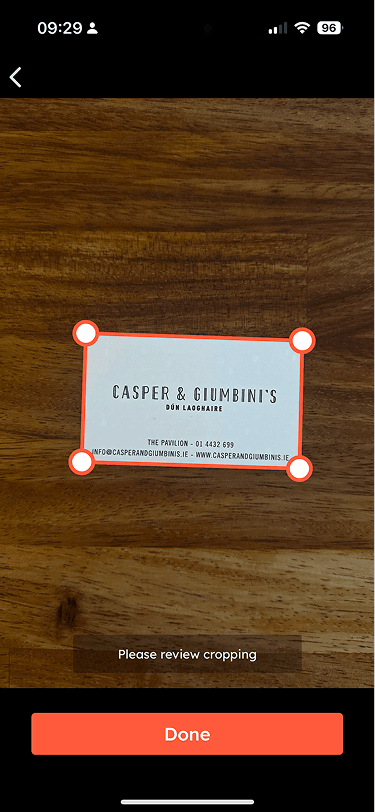
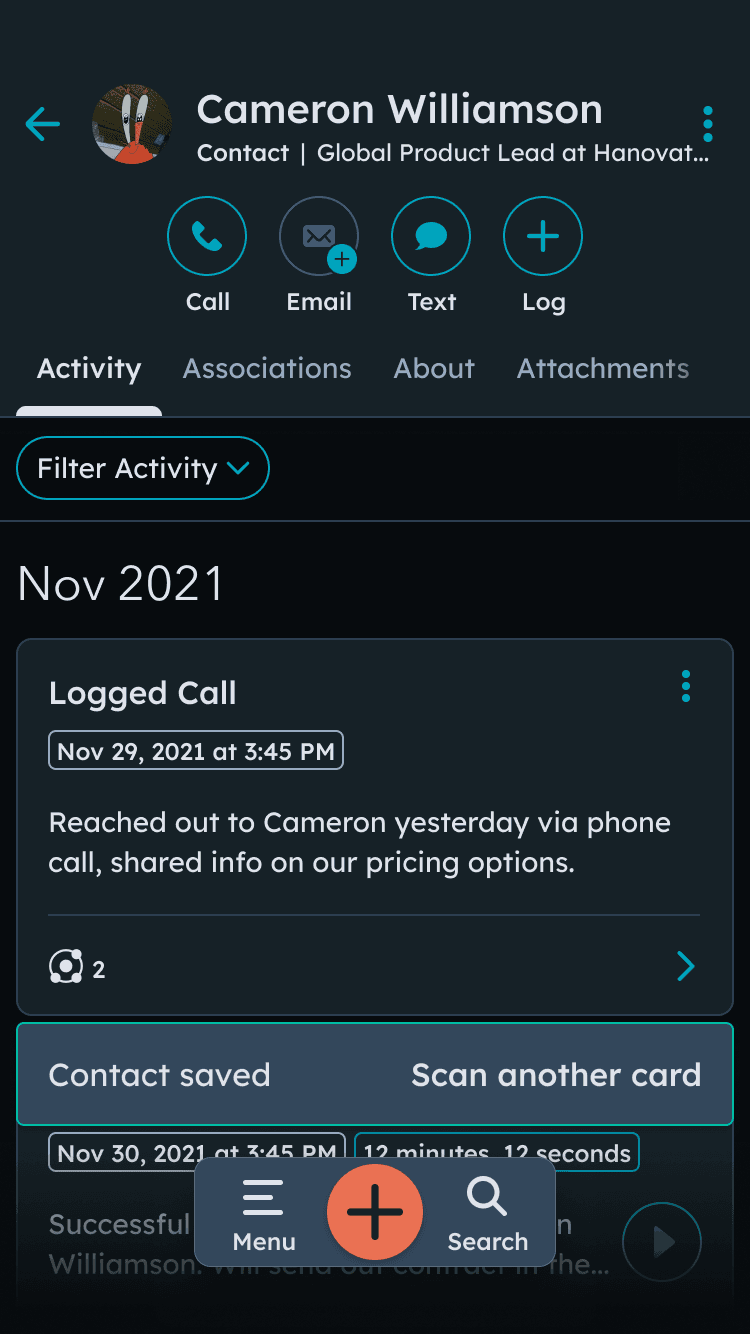
5K WAUs. W1 retention in the mid-20s. 20% week-over-week growth at launch. When COVID collapsed conference attendance in 2020, card-scanning usage followed. The right call was to deprioritise planned v2 investment - additional fields, post-scan workflows, a local model replacing cloud OCR - and redeploy the team to Today View. BCS stayed live. The roadmap was paused, not the feature.
On an incoming call
CallerID
A rep's phone rings. Unknown number. Three options: answer blind, let it ring, or look it up and miss it. None of those work.
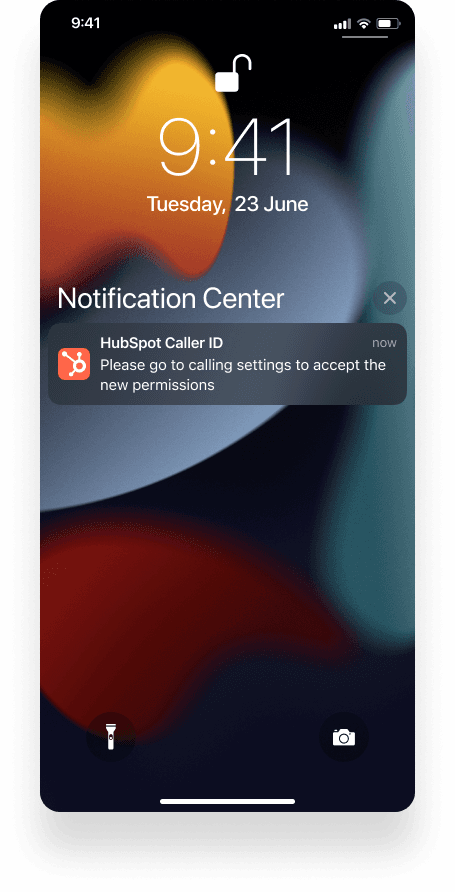
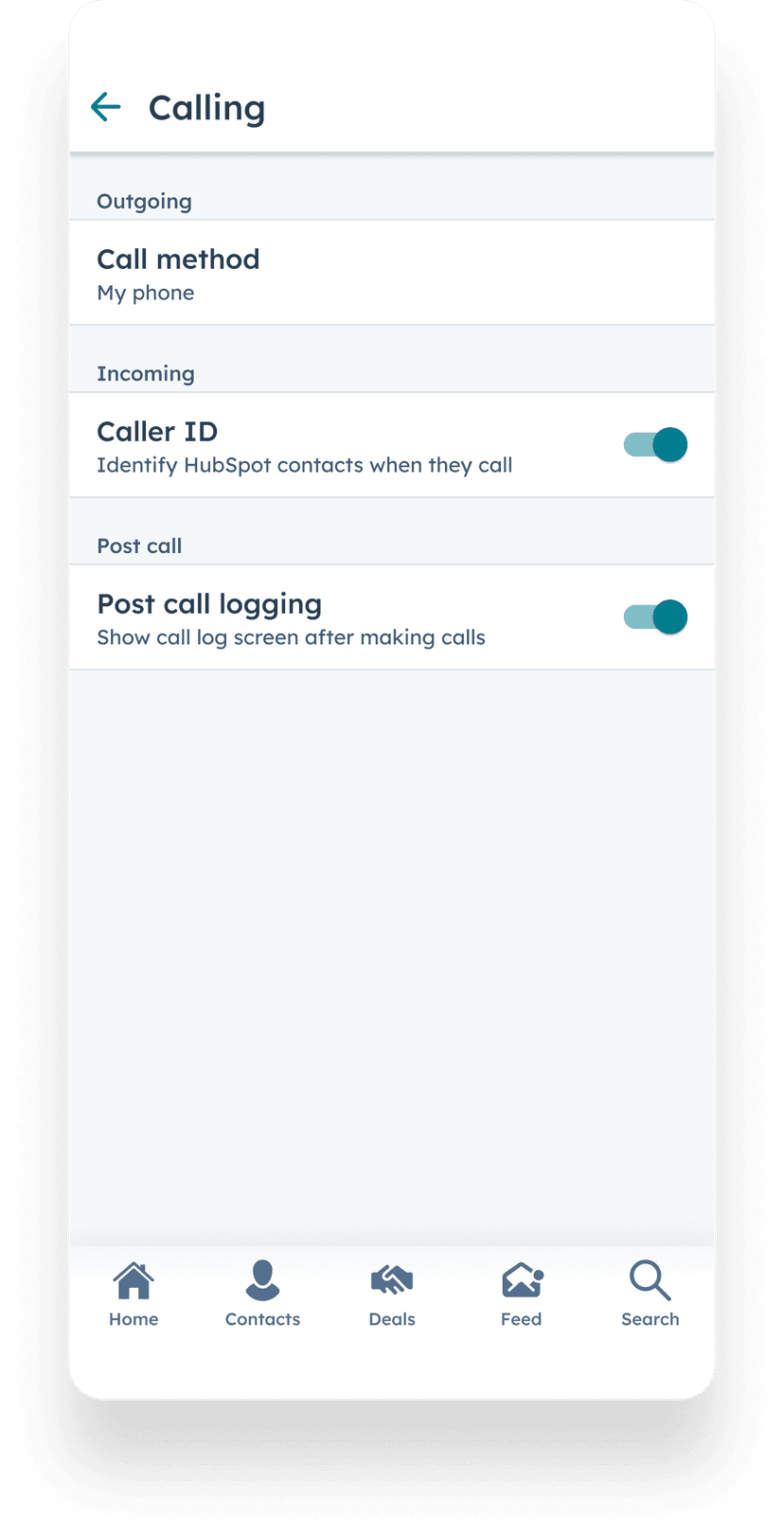
CallerID surfaced CRM context on the lock screen before the rep answered - who was calling, which deals they were on, recent activity. No manual contact sync. Shipping it meant working inside the iOS and Android platform ecosystems - each handles incoming calls differently, each has system-level constraints on what you can surface and when. When Google removed external CallerID access mid-development, we rebuilt the Android approach from inside the platform.
A later rebuild, and a miss worth keeping
Years later, CallerID had decayed - slow, unreliable, and effectively broken for large portals. The team rebuilt the reliability layer; my lane was the relaunch: the adoption play, the impact measurement, and the root cause of why iOS so often showed nothing (Apple only triggers CallerID for numbers stored in +E.164 format, which most people don't). Reliability moved hard - slow loads over two seconds dropped from 54% to 6%.
Adoption is the honest part. I set the target at 51% with no real model behind it - just a belief that most people would obviously want their phone connected to their CRM. We hit about 10%. The funnel showed why: plenty of users tapped the prompt, far fewer finished enabling it, because turning CallerID on means granting a system permission. The same wall as the Keyboard. The lesson stuck - when the value sits behind an OS permission, you earn the setup or you don't get the adoption.
Waiting on a prospect
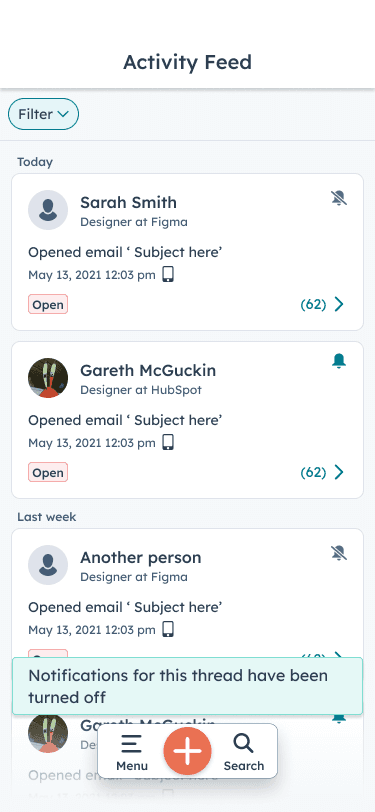
Activity Feed
Reps track their emails. The moment a prospect opens a message is a signal to act - not when the rep gets back to their desk, but immediately.
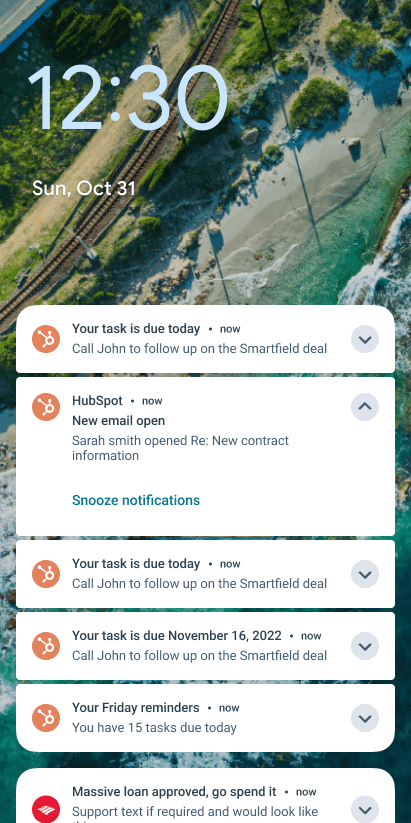
Activity Feed put that signal on the phone. A push notification fires when a tracked email opens. Tap, and you're on the relevant contact before the prospect has finished reading. That habit loop - notification, open, action - turned mobile from a backup tool into a daily driver. Activity Feed push notifications eventually accounted for 70% of all notifications sent from the HubSpot mobile app. 62K users checked their feed weekly, 71% of them on a paid hub.
Part 2 of 2
What should I do next?
Tasks, Today View, Keyboard, and Conversation Intelligence - 2020